
Free AI SVG Generator
4.9 from 50+ reviews
Discover the Power of AI Vectors in Action
From scalable logos to line art and illustrations. The AI SVG Generator gives you full creative freedom to generate infinite-resolution graphics.






All The Features That You Need In An AI Vector Tool
Discover everything you can do inside our AI SVG Toolkit, from converting text to vector icons to turning raster images into fully editable SVG code.
Text to SVG Conversion
Convert text to SVG with AI. Generate unique vector icons, logos, and illustrations instantly from a simple prompt.
Image to SVG AI Generator
Convert raster images (JPG/PNG) to vectors. Turn sketches or flat images into scalable graphics automatically.
Optimized SVG Code
Get clean, minimized SVG code. Our output is web-ready and compatible with tools like Figma, Illustrator, and Canva.
Infinite Scalability
Unlike raster images, your generated graphics are resolution-independent. Resize them to any dimension without pixelation.
Transparent Backgrounds
Generated SVGs come with transparent backgrounds by default, making them ready for instant use on websites and apps.
Fully Editable Paths
Because the output is vector data, you can ungroup, recolor, and tweak individual paths in any vector editing software.
How to Generate AI Vectors
Follow these simple steps to create stunning, scalable SVGs in seconds.
1. Describe or Upload
Type a prompt like "minimalist flat line icon of a rocket" or upload a raster image you want to vectorize.
2. Select Style
Choose "Vector" or "Icon" style to ensure clean lines and reduced color palettes suitable for SVGs.
3. Generate Vector
Click "Generate". Our AI analyzes the request and builds the graphic using mathematical paths instead of pixels.
4. Download SVG
Save your file as `.svg` for web use, or copy the code directly to your clipboard for development.
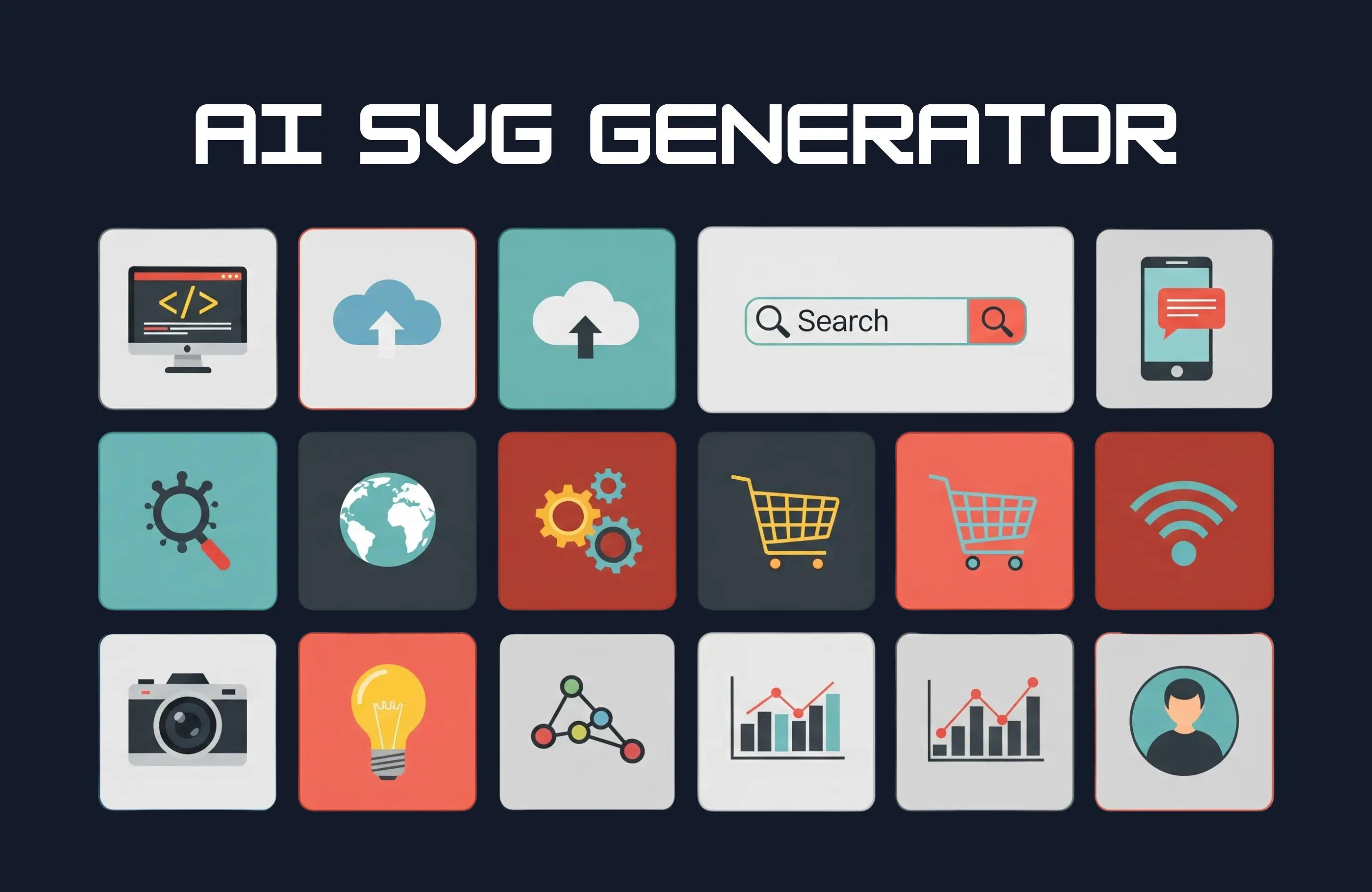
What You Can Create With the AI SVG Generator
Explore how web designers, developers, and marketers use our free tool to build assets that look sharp on any screen size.
Web Design Icons
Create custom UI icons, favicons, and buttons that load fast and look crisp on Retina displays.
Logo Design
Generate professionally styled logos and brand marks that can be scaled from business cards to billboards.
App Graphics
Produce lightweight assets for mobile applications where file size and scalability are critical.
Merchandise & Print
Create designs for t-shirts, mugs, and posters. SVGs ensure your print files never look pixelated.
Infographics
Generate clean vector illustrations and diagrams to explain complex data in your reports.
Laser Cutting & Plotting
Create path-based designs perfect for vinyl cutters (Cricut), laser engravers, and CNC machines.
Frequently Asked Questions
How does the AI SVG Generator work?
Our tool uses advanced AI to interpret your text prompt or uploaded image and constructs a vector file using mathematical paths (XML code) rather than pixels. This results in a fully scalable .svg file.
What is the difference between SVG and PNG?
PNGs are made of pixels and lose quality when resized. SVGs (Scalable Vector Graphics) are made of code/paths, meaning they can be scaled to any size without becoming blurry. SVGs are also usually smaller in file size for simple graphics.
Can I convert an image (JPG/PNG) to SVG?
Yes! You can upload a raster image, and our AI will trace the shapes and colors to convert it into a vector format. This is perfect for digitizing sketches or modernizing old logos.
Is the SVG code clean and optimized?
Absolutely. We prioritize generating optimized SVG code, minimizing unnecessary tags and metadata so your files load quickly on websites and are easy to edit in code editors.
Can I use these SVGs for commercial projects?
Yes, all SVGs generated are yours to use for personal or commercial projects, such as client websites, apps, branding, or merchandise.
What software can I use to edit these files?
You can edit the downloaded .svg files in any vector software, including Adobe Illustrator, Figma, Inkscape, Canva, or even directly in a code editor like VS Code.